

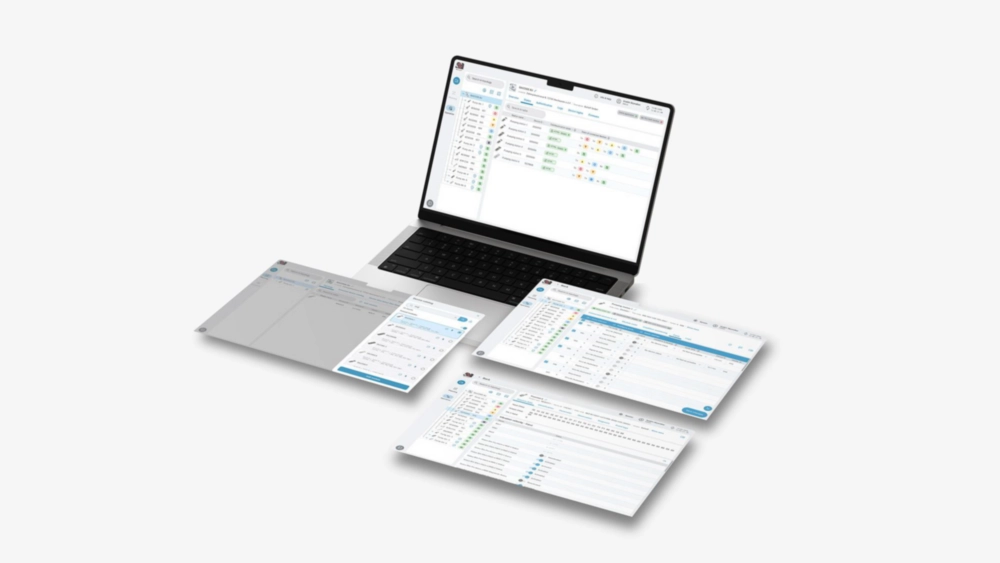
Balluff Engineering Tool
Windows 10 (32/64 bit)
|
Value Proposition: |
The Balluff Engineering Tool is a cross-manufacturer solution for creating, configuring and operating IO-Link networks quickly, safely and across manufacturers. The use of the Balluff Engineering Tool thus shortens the lead time in the production process of systems and ensures high quality throughout the entire product life cycle from the very first moment. |
|
Use cases: |
Planning and configuring IO-Link networks (also offline already in the development phase of a system); finding all IO-Link devices of a network with only one network access; central parameterization of all IO-Link devices within a network; firmware updates and synchronization of device logins; saving created applications and their parameters as a backup. |
The challenge
Machine and system manufacturers and their users are increasingly faced with the challenge of having to set up and operate complex IO-Link networks efficiently. Different manufacturers, numerous sensors and actuators as well as the obligation to provide complete documentation make commissioning and maintenance time-consuming and error-prone. Cost pressure is increasing. Cumbersome and lengthy production processes and unplanned system downtimes cause high costs and often confront personnel with complicated problems that take a lot of time to solve.
Solution
The Balluff Engineering Tool enables manufacturer-independent, centralized configuration and management of IO-Link networks. With automatic device search, simple parameterization and port setting, backup and restore functions as well as integrated test and documentation options, the Balluff Engineering Tool reduces complexity, saves valuable time during planning and commissioning and minimizes downtime risks during operation. This makes the use of IO-Link networks not only more efficient, but also safer and more transparent.

Planning
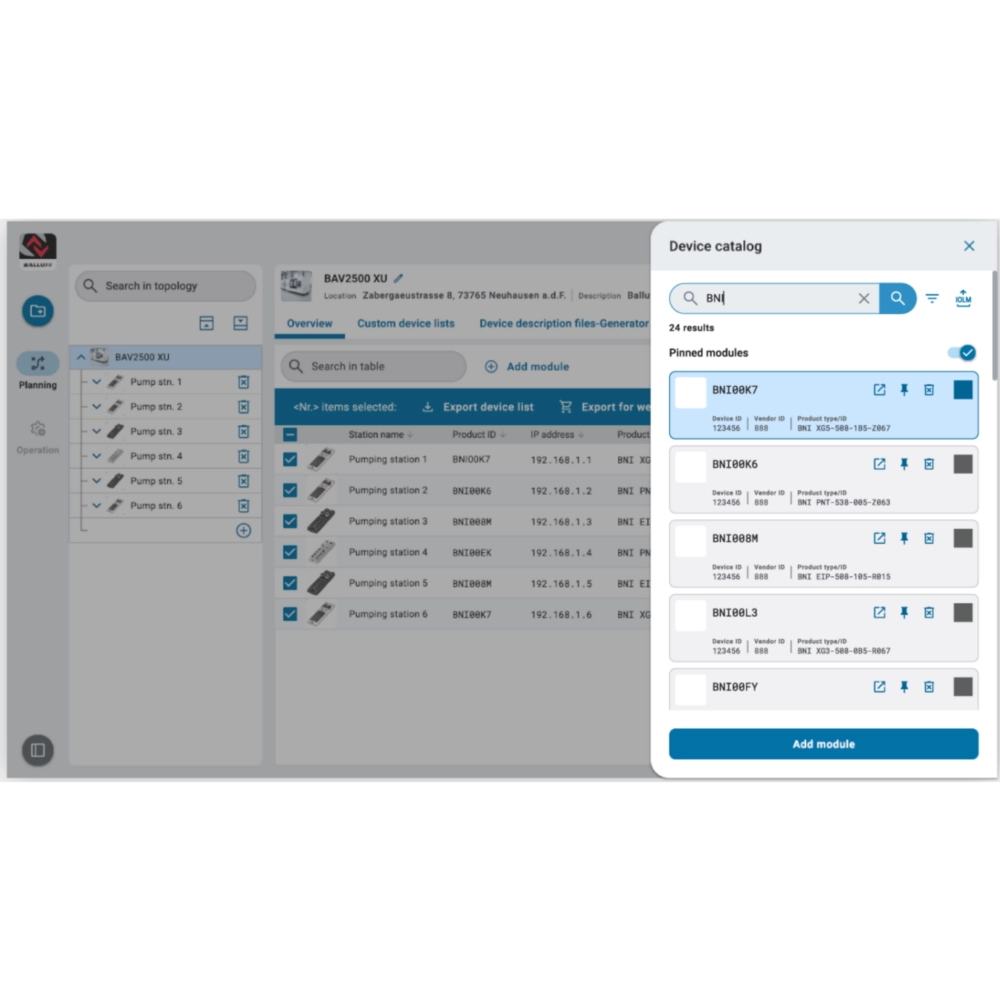
Planning offline topologies
Continue device configuration after hardware planning
Create user-defined device descriptions

Maintenance
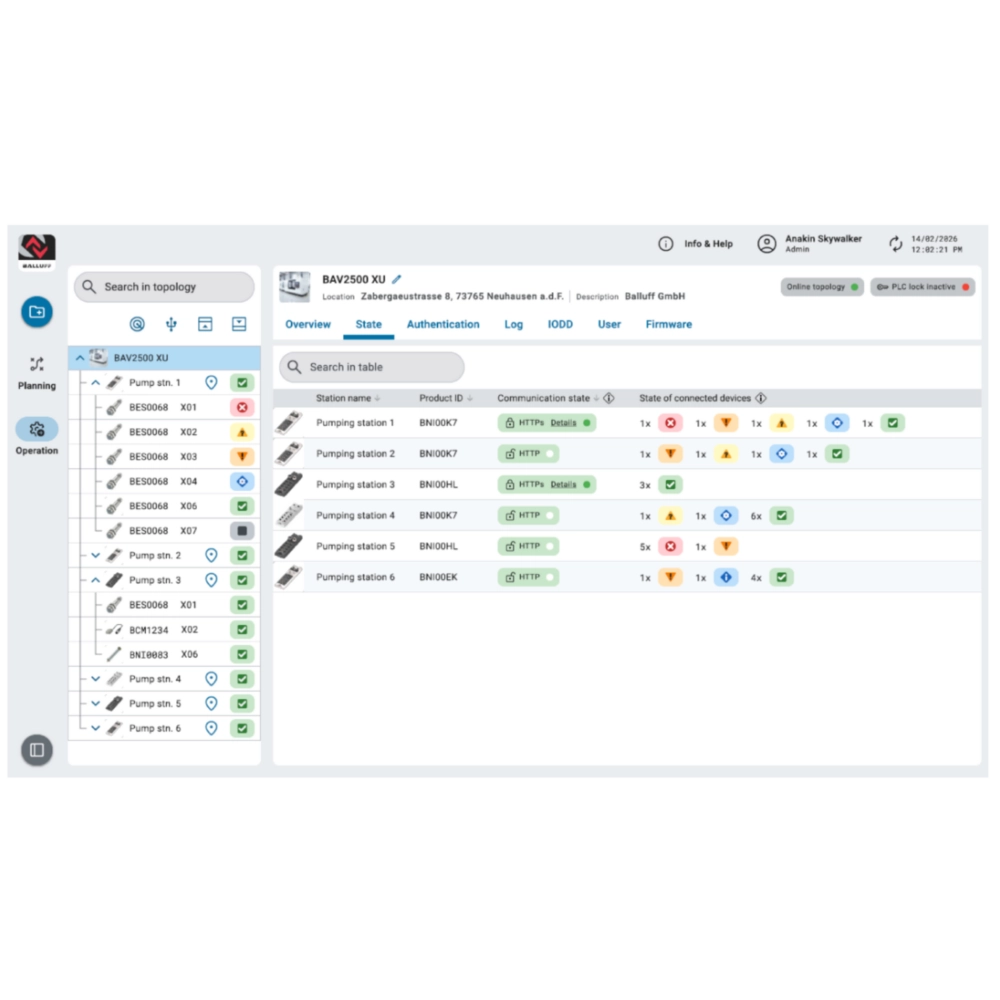
Diagnosis of connections, module statuses, device statuses and port/pin statuses

Purchasing
Ordering planned devices from BET

Operation
Save parameter settings
Scan network for IO-Link devices
Configure IO-Link devices via USB master
Update firmware versions
Synchronize device logins
Advantages

Free software with regular updates
The use of Balluff hardware becomes even easier. The continuous expansion of software support streamlines your processes.

Manufacturer-independent for all IO-Link devices
Extensive device catalog that can be expanded as required with additional device IODDs.

End-to-end planning and commissioning process
Transfer of a fully offline configured IO-Link network to the PLC shortens the commissioning time.

Reduced set-up time during assembly
The final configuration of the IO-Link network is carried out via just one central access point to the entire network. This significantly reduces set-up times during commissioning.

Quality assurance through test processes
An automatic comparison of the IO-Link cabling with the planning detects connection errors at an early stage.

Optimally prepared for servicing
Saving the entire IO-Link configuration as a back-up so that operation can be resumed as quickly as possible in the event of servicing.
Application examples and solutions

Planning and configuring IO-Link networks
Create your individual IO-Link network conveniently at your desk and then transfer it to the system.

Create individual device description files
Import previously created device description files (GSD, ESI) directly into the PLC and save valuable time during programming.

Find & configure all IO-Link devices in the network
Get a quick overview and access to all IO-Link modules and field devices in the network - with just one network connection.

Synchronize device logins
Assign individual authorizations and passwords for all IO-Link network modules with just one click.
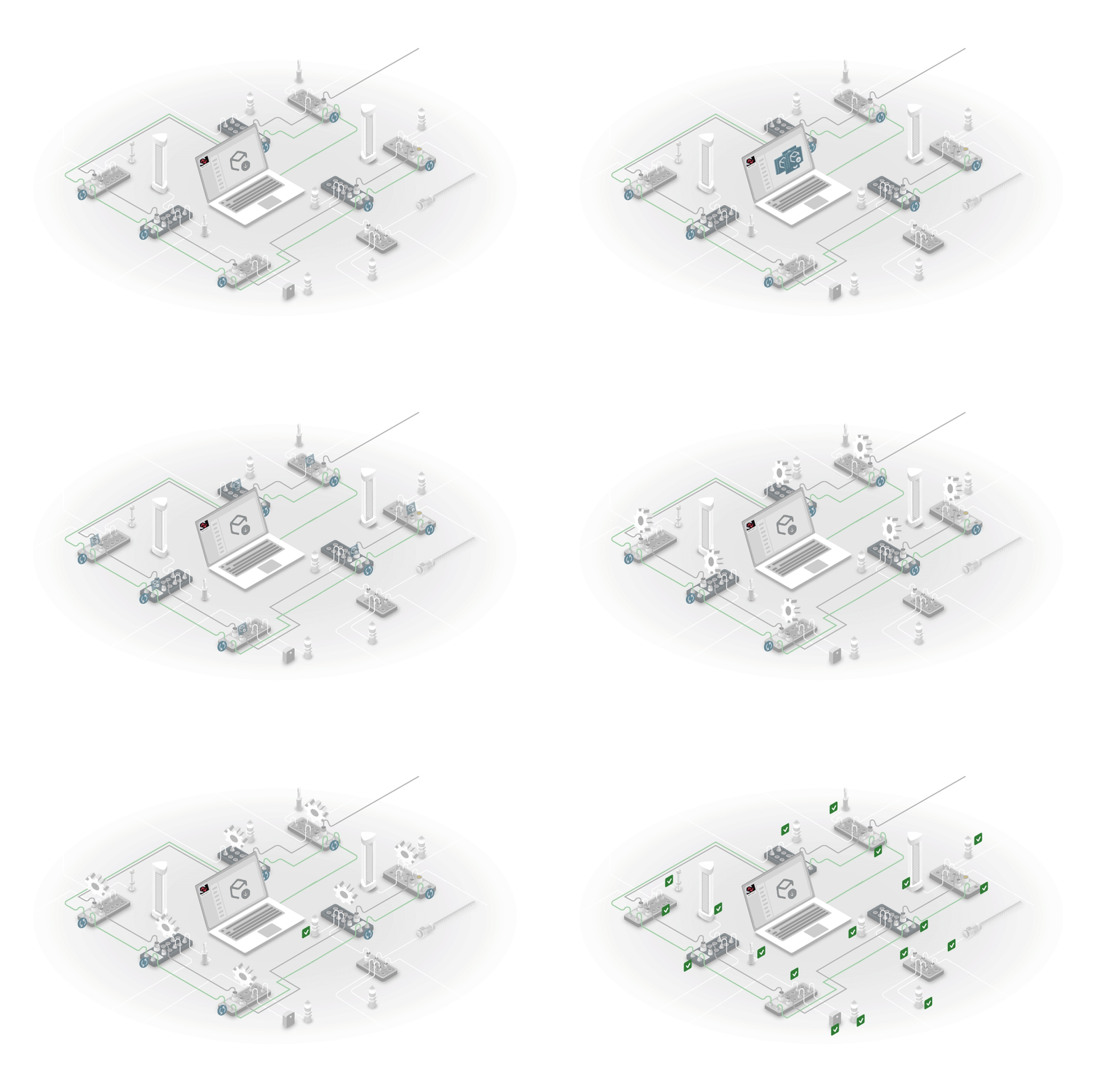
Firmware updates for IO-Link devices
Keep the IO-Link network up-to-date. Install firmware updates provided by Balluff for all or selected IO-Link devices in a network quickly and easily with just one click.

Back-ups for documentation and servicing
Archive the set parameters in a file to document the delivery status and to quickly restore the system configuration in the event of service. Create a device list as part of the SBOM of your system.